
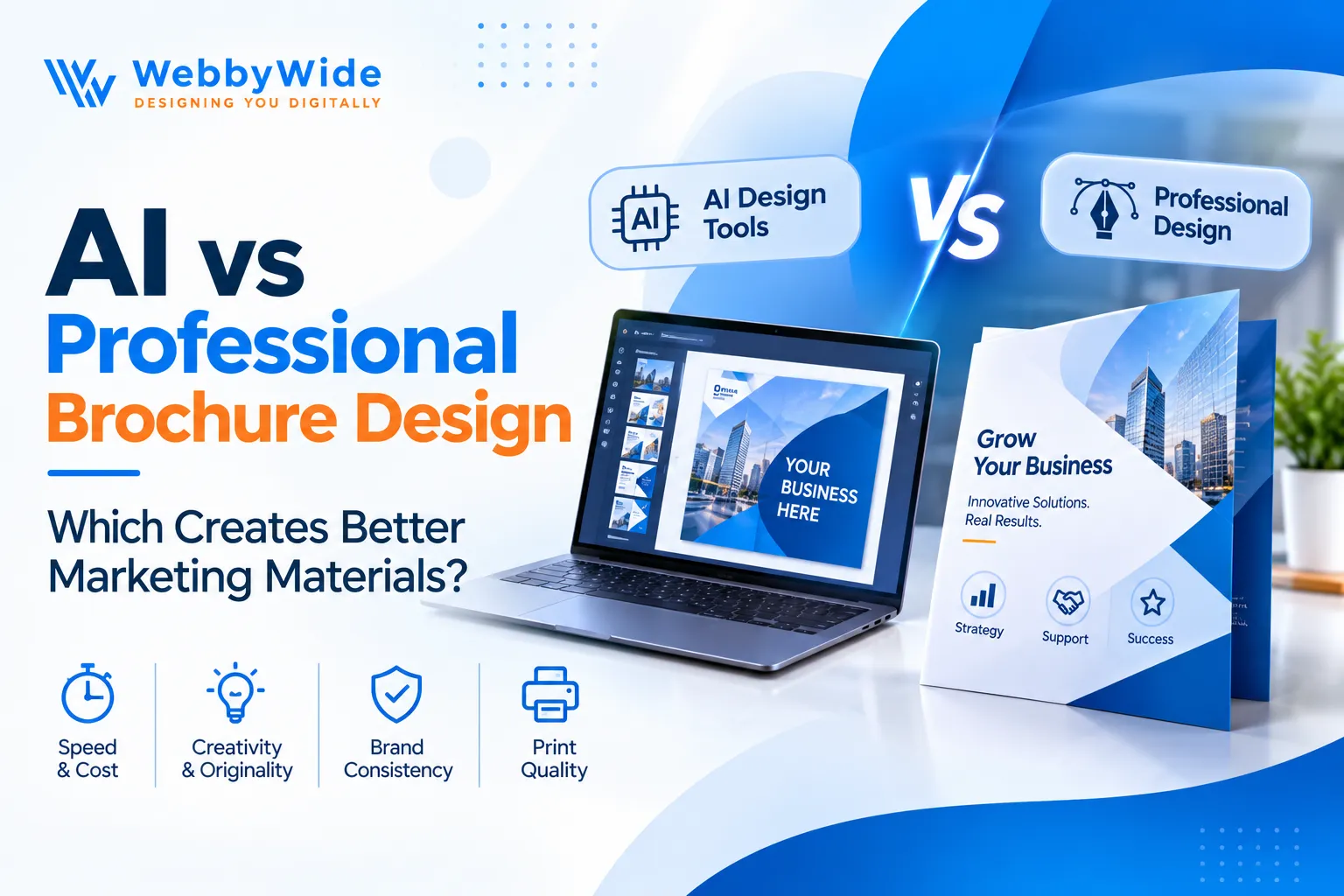
AI vs Professional Brochure Design: Which Creates Better Marketing Materials?
A business owner can spend thousands of dollars preparing for a trade show and still overlook one small detail: the brochure sitting on the reception counter. It might contain all the right information, but if the design looks rushed or the text feels impossible to read, most visitors will probably leave it behind.
This is an interesting problem because creating a brochure has never been easier. You can open an AI design platform, enter a few instructions, choose a layout, and have something presentable within minutes. So why do businesses still hire designers?
The answer comes down to what you expect that piece of paper to do. Professional Brochure Design isn't simply about making a brochure attractive. It's about presenting your business in a way that makes sense to the people you want to reach. And while AI has changed the creative process, it hasn't made every design decision automatic.
The Five-Minute Brochure Problem
Let's say you own a small real estate agency in Florida. You're preparing for a local property exhibition and need a brochure featuring your latest listings.
You open an AI design tool, describe the project, and get a few layouts. One has attractive property photographs, another uses a modern minimalist style, and a third has a bold headline across the front cover.
Not bad for five minutes of work.
But then you start looking closely. One photograph doesn't match the property description. The text feels crowded. Your contact details sit awkwardly near the bottom, and the colors don't match your existing branding.
You can fix these things, of course. However, the more adjustments you make, the more you realize that generating a design and actually finishing one are two different jobs.
That's where AI becomes useful, but not necessarily sufficient.
What AI Gets Right About Brochure Design
I'll give AI credit where it's due. It has made the early stages of graphic design much less intimidating.
Someone running a startup in Seattle doesn't necessarily need to understand professional design software just to explore a few promotional ideas. AI platforms make that first step considerably easier.
It removes the blank-page problem. You can experiment with different layouts, colors, headlines, and visual styles without building everything manually. Even if you don't use the generated design, it can give you a starting point for discussions with a designer.
There's also the convenience factor. Need to remove a background from a product photograph? Want to try a different headline arrangement? Looking for inspiration for a seasonal promotion? Many AI-powered tools can assist with these tasks.
Some common uses include:
- Exploring different brochure layouts before choosing a direction.
- Removing unwanted backgrounds from product photographs.
- Testing color combinations and typography ideas.
- Creating rough promotional concepts for internal use.
- Adjusting existing artwork for different formats.
For small businesses working with limited marketing budgets, these features can be genuinely helpful.
However, I wouldn't confuse convenience with creative direction. An AI platform might give you ten different layouts, but you still need to decide which one suits your customers and communicates your offer properly.
If you're interested in the wider changes happening across the creative industry, this article about how AI is transforming graphic design offers another perspective.
The Part AI Doesn't Always Understand: Your Business
Here's where I think human designers have a real advantage.
Every business has a different personality, even when two companies sell almost identical products. A family-owned restaurant in Texas shouldn't necessarily present itself like an expensive fine-dining establishment in Manhattan.
Both need attractive marketing materials, but their customers expect different experiences.
A professional designer can consider these differences before making creative decisions. They can look at your existing website, understand your brand guidelines, study your audience, and work out which visual direction makes sense.
That process matters more than people sometimes realize.
A Good Layout Is About More Than Filling Empty Space
One common mistake I notice in business brochures is the desire to include absolutely everything.
The owner wants the company history, service descriptions, photographs, awards, testimonials, contact details, and perhaps a special offer on the same three-fold page.
Understandable. After all, nobody wants to leave something important out.
But the reader doesn't need your entire company history before understanding what you offer.
A designer can help prioritize the information. Perhaps the front panel should introduce the main service, the inside panels should explain the benefits, and the final panel should contain contact details.
This creates a natural reading experience rather than asking customers to figure out where to look.
Your Brand Shouldn't Look Like Everyone Else's
Imagine picking up three brochures from different businesses at the same exhibition. All three use similar fonts, identical stock photographs, and nearly the same layout.
Would you remember which company offered which service?
Probably not.
Professional Brochure Design gives a business more room to establish its own visual identity. A designer can work with specific photography, typography, colors, and layouts rather than relying entirely on a ready-made template.
For a premium clothing brand in Los Angeles, that might mean understated typography and carefully selected editorial photographs. A children's education center in Atlanta may need brighter colors and a more playful presentation.
Neither approach is universally better. The important thing is that the design feels right for the business.
What Happens When You Actually Print the Brochure?
This is one area where business owners should be particularly careful.
A brochure can look fantastic on a laptop and disappointing when it comes back from the printing company. Colors may appear different, photographs might look blurry, and text can become uncomfortable to read.
Printing involves technical details that aren't always obvious when you're working with an online design template.
For example, professional print preparation may involve:
- Bleed: Extra artwork beyond the final cutting area.
- Safe margins: Enough space to keep important text away from the edges.
- Image resolution: Photographs that remain sharp at the intended print size.
- CMYK colors: Appropriate color settings for many commercial printing workflows.
- Fold placement: Correct positioning of text and images on each brochure panel.
Some AI platforms offer export settings for printing, but you should still check the final file against your printer's specifications.
A designer familiar with print production can help avoid mistakes that become expensive once hundreds of copies have been produced.
AI vs Professional Brochure Design: Which One Makes More Sense?
Rather than declaring one winner, I'd look at the type of project you're working on.
|
Your Requirement |
Better Starting Point |
|
Quick promotional concept |
AI tools |
|
Internal presentation draft |
AI tools |
|
Testing different layouts |
AI tools |
|
Corporate company profile |
Professional designer |
|
Luxury product brochure |
Professional designer |
|
Large trade show campaign |
Professional designer |
|
Print-heavy marketing project |
Professional designer |
|
Early creative brainstorming |
Either approach |
There's also a third option, and it's probably the most practical one for many businesses.
Why Not Use Both?
I don't think businesses need to choose between AI and human designers every time they create marketing material.
A combination can work particularly well.
Consider a company launching a new skincare range in California. Its marketing team could use AI to explore visual concepts, experiment with different background styles, and prepare rough content arrangements.
Once the team chooses a direction, a professional designer can develop the actual brochure.
They can select appropriate product photographs, refine the layout, check the typography, and make sure the finished artwork matches the company's branding.
The team gets to explore ideas quickly without handing over every creative decision to software.
There are plenty of AI tools for graphic designers that can support parts of this process. The important thing is knowing when to use them and when a project needs more careful human input.
One more thing: check the commercial-use terms for any AI-generated images, fonts, or other assets before including them in printed marketing materials.
What Makes Someone Keep a Brochure Instead of Throwing It Away?
This is perhaps a more useful question than asking which design method is better.
Think about the brochures you've actually kept. Chances are, they contained something you wanted to refer to later. Perhaps it was a restaurant menu, a property guide, a service list, or information about an upcoming event.
The design probably helped, but the information gave you a reason to hold on to it.
For a business brochure, I'd pay attention to a few practical details.
Start with the cover. It should tell readers what the brochure is about without making them work for the answer. A relevant photograph and a clear headline usually do more than unnecessary decorative elements.
Write for people, not industry insiders. If you're promoting plumbing services, explain what customers can expect rather than filling the brochure with technical terminology.
Give photographs enough room. A poorly cropped product image can make even a decent layout feel cheap. Use relevant, high-quality photographs that show what your business actually offers.
Don't hide the contact details. I've seen promotional materials where the business name is enormous but the phone number is practically invisible. That's not particularly helpful when someone wants to make an enquiry.
Keep your branding consistent. Your brochure should look connected to your website and other business materials. If you're still developing that visual identity, investing in professional logo design can give your marketing materials a more consistent foundation.
Is Professional Brochure Design Worth the Investment?
It depends on what the brochure represents.
If you need a temporary handout for a small community event, an AI-generated layout might be enough. There's little reason to turn every small promotional task into a major design project.
But consider a company preparing materials for a national exhibition, a new product launch, or a meeting with potential business partners. In those situations, the brochure represents more than the information printed on its pages. It also represents the care the business puts into its presentation.
That's when Professional Brochure Design becomes worth considering.
The final decision should account for your budget, the complexity of the project, the number of copies, and how long you plan to use the material.
Also, don't judge a designer's work only by how attractive their portfolio looks. Ask how they approach your project, what files they'll deliver, how many revisions they include, and whether they can prepare the artwork for printing.
Those questions will tell you much more than a fancy mockup.
Final Thoughts
AI has certainly made brochure creation easier. I wouldn't want to go back to a time when exploring a few basic design ideas took an entire afternoon.
But there's a difference between getting something onto a page and creating marketing material that represents a business properly.
A brochure needs to make sense to its readers. It should show the right information, use suitable images, reflect the company's identity, and make contacting the business straightforward.
That's why I wouldn't treat AI as a replacement for Professional Brochure Design. I'd treat it as another tool in the creative process.
If your business has an upcoming product launch, exhibition, or marketing campaign, now is a good time to review the quality of your promotional materials.
Need a brochure that reflects the quality of your business? Get in touch with our design team to discuss your project and explore a design that suits your brand.
Frequently Asked Questions
Yes. AI tools can produce attractive layouts, especially for simple promotional projects. However, you'll probably need to review the text, images, branding, spacing, and printing requirements before using the finished artwork. A professional designer can develop a layout around your brand, audience, and marketing goals. They can also help organize information, select suitable imagery, and prepare the artwork for its intended use. Several platforms offer AI-assisted design features, including Canva, Adobe Express, and other graphic design applications. Their features and export options vary, so choose one that supports your project requirements. Tri-fold brochures work well when you need a compact introduction to your services. Bi-fold designs offer a simpler presentation with larger panels, while multi-page booklets suit businesses with more information to share. The cost varies with the number of pages, design complexity, content preparation, revisions, and printing requirements. Ask designers for a detailed quote based on your project rather than relying on a general price estimate. AI vs Professional Brochure Design
Comments
Add Comments
Update Comment