
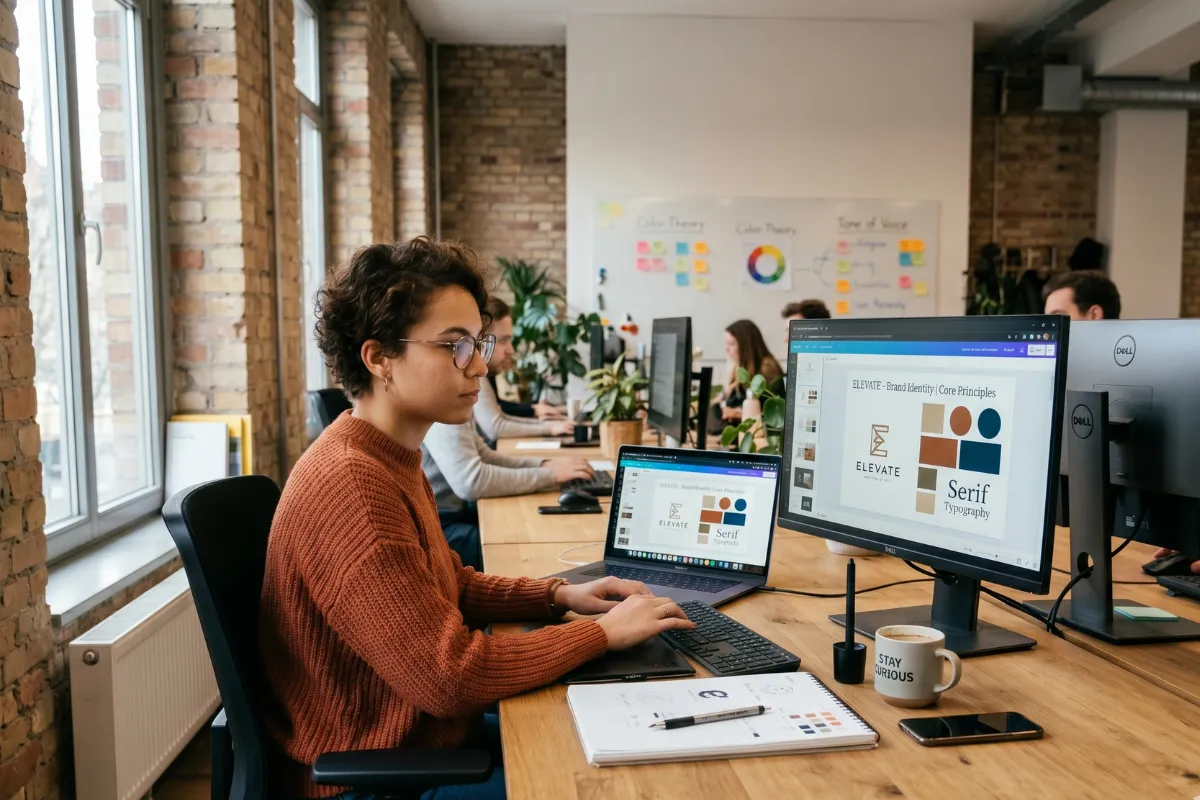
Best AI Tools for Graphic Designers: The Future of Creative Work
A few years ago, designers spent hours adjusting layouts, searching for inspiration, removing backgrounds, and repeating small tasks that drained creative energy.
Today, the creative world looks completely different. From New York agencies to California startups, professionals now use smart technology to move from a blank canvas to a polished design faster than ever.
I see AI becoming less like a replacement for designers and more like a creative assistant sitting beside them. The best AI Tools for Graphic Designers help professionals brainstorm ideas, explore visual styles, create concepts, and improve workflows without taking away the human touch that makes great design memorable.
The modern designer still brings emotion, storytelling, and strategy to every project. However, the right AI Tools for Graphic Designers can handle repetitive tasks while giving creators more time to focus on imagination and brand impact.
For businesses looking to elevate their visual identity, exploring Creative Designing Services can help combine human creativity with modern design solutions.
Why AI Tools for Graphic Designers Matter More Than Ever in 2026
The creative industry in the United States moves quickly. Brands compete for attention across websites, social media platforms, mobile apps, advertisements, and digital experiences. A simple image is no longer enough. Companies want visuals that feel fresh, personal, and instantly recognizable.
That demand pushes designers to work smarter. The best AI Tools for Graphic Designers help with:
- Generating creative concepts in seconds
- Creating professional-quality visuals
- Improving productivity
- Automating repetitive editing tasks
- Testing different design directions quickly
- Supporting faster client presentations
I think of AI as the creative equivalent of a great studio assistant. It does not replace the artist; it helps the artist create more.
Top AI Tools for Graphic Designers in 2026
Every designer has different needs. Some focus on branding, while others create social media graphics, advertisements, product visuals, or user interfaces. The following AI Tools for Graphic Designers stand out because they offer practical features for today’s creative professionals.
|
AI Tool |
Best For |
Key Features |
|
Adobe Firefly |
Professional designers |
AI image generation, editing, creative effects |
|
Canva AI |
Beginners and marketers |
Templates, AI layouts, quick visual creation |
|
Midjourney |
Creative concepts |
Artistic images and visual exploration |
|
Figma AI |
UI/UX designers |
Faster interface design and collaboration |
|
ChatGPT |
Creative planning |
Ideas, copywriting, design brainstorming |
|
Runway |
Motion designers |
AI video editing and visual effects |
1. Adobe Firefly: The Professional Creative Partner
Adobe Firefly continues to become one of the most useful AI Tools for Graphic Designers because it fits naturally into professional workflows. Designers who already use creative software can generate images, modify visuals, and experiment with new concepts without leaving their main workspace.
I love how tools like this help remove creative roadblocks. Sometimes the hardest part of a project is not designing; it is starting. AI can help you create that first spark.
Firefly works especially well for:
- Brand campaigns
- Marketing visuals
- Product mockups
- Concept development
- Social media assets
2. Canva AI: Fast Design Without the Learning Curve
Canva changed the way many people approach design. Its AI features make it even easier for professionals, entrepreneurs, and small businesses to create attractive visuals quickly.
Among AI Tools for Graphic Designers, Canva AI feels approachable because it combines automation with simplicity. You can generate layouts, rewrite content, create images, and adjust designs without spending hours learning complex software.
It works well for:
- Instagram content
- Presentations
- Advertisements
- Business graphics
- Marketing materials
3. Midjourney: Turning Imagination Into Visual Reality
Midjourney feels like having a digital artist available whenever inspiration strikes. Designers use it to explore unique styles, create mood boards, and discover unexpected visual directions.
I often compare Midjourney to a creative brainstorming session. You throw an idea into the room, and suddenly you have ten different possibilities staring back at you.
For designers working on:
- Brand concepts
- Editorial visuals
- Fantasy-inspired designs
- Creative campaigns
Midjourney offers endless exploration.
4. Figma AI: Helping Designers Build Better Digital Experiences
UI and UX designers have a special challenge: they need designs that look beautiful and work smoothly. Figma AI supports this process by helping teams create layouts, organize ideas, and improve collaboration.
The best AI Tools for Graphic Designers do not only focus on visuals. They also help solve real design problems.
With AI support, designers can:
- Generate interface ideas
- Create faster prototypes
- Improve workflow organization
- Experiment with user experiences
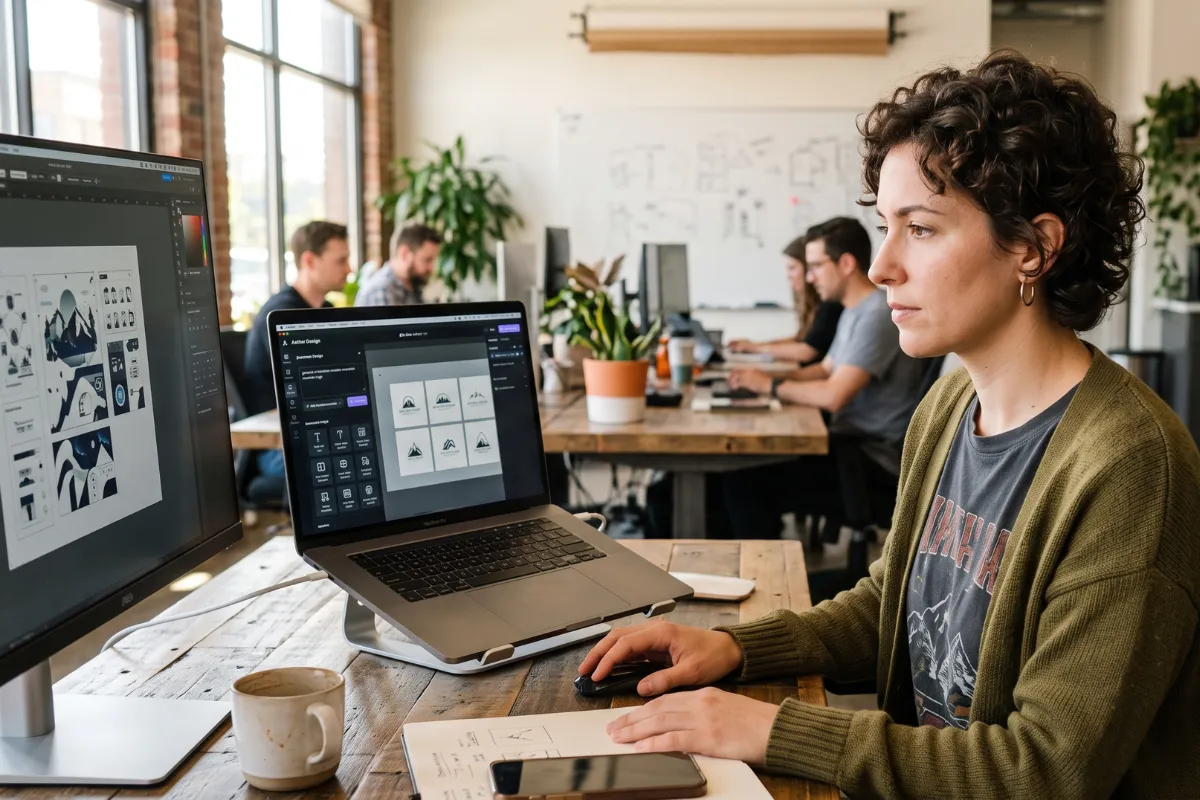
How AI Tools for Graphic Designers Improve Daily Workflows
Many designers worry that AI will make creativity feel robotic. I understand that concern. However, I believe the strongest results happen when humans guide the technology.
AI handles speed. Designers provide vision.
A typical workflow may look like this:
- Brainstorm ideas with AI assistance
- Create initial concepts
- Adjust styles and layouts
- Add personal creativity
- Review and refine the final design
This combination creates stronger results because technology supports human decision-making.
Designers can also learn more about responsible AI practices through resources like Adobe Firefly to understand how modern creative technology continues to evolve.
Benefits of Using AI Tools for Graphic Designers
The biggest advantage comes down to time. In a competitive American creative market, speed matters.
Here are some major benefits:
Faster Idea Generation
Creative blocks happen to everyone. AI can provide new directions when your imagination needs a push.
Better Productivity
Instead of spending hours on repetitive edits, designers can focus on strategy and creativity.
More Design Experiments
AI makes it easier to test multiple styles before choosing the final direction.
Improved Client Communication
Designers can quickly show different concepts and help clients visualize possibilities.
Are AI Tools Replacing Graphic Designers?
No. The role of the designer continues to evolve.
The strongest designers in 2026 will not simply know how to use software. They will understand branding, storytelling, psychology, and visual communication.
AI Tools for Graphic Designers create opportunities for professionals who know how to guide creative technology effectively.
Think about photography. Cameras became smarter, but photographers did not disappear. The tool changed, but creativity remained the foundation.
Choosing the Right AI Tools for Graphic Designers
Before selecting a tool, ask yourself:
- What type of projects do I create?
- Do I need images, layouts, videos, or writing support?
- Does the tool fit my current workflow?
- Will it save me meaningful time?
A freelance designer may prefer Canva AI or Midjourney. A large creative team may choose Adobe solutions or Figma-based workflows.
The “best” tool depends on your goals.
Future Trends for AI Tools for Graphic Designers in 2026
The future looks exciting. I expect designers will see even more personalized AI assistants, smarter editing systems, and faster creative collaboration.
Some upcoming trends include:
- AI-generated brand identities
- Real-time design suggestions
- Personalized creative assistants
- Automated design testing
- AI-powered video and animation creation
The designers who adapt early will likely create more opportunities for themselves.
Conclusion
The rise of AI does not remove creativity from design. It expands what designers can achieve. The best AI Tools for Graphic Designers give professionals more freedom, faster workflows, and new ways to explore ideas.
I believe 2026 will reward designers who combine technology with human creativity. The future belongs to people who know how to use powerful tools while keeping originality at the center.
If you want to improve your brand visuals and explore professional creative solutions, Get in touch with our team today and discover how modern design strategies can help your business stand out.
Frequently Asked Questions
The best AI Tools for Graphic Designers include Adobe Firefly, Canva AI, Midjourney, Figma AI, ChatGPT, and Runway. The right choice depends on your design goals and workflow. AI cannot replace the creativity, emotional understanding, and strategic thinking of skilled designers. It works best as a support tool that improves speed and productivity. Yes. Many AI Tools for Graphic Designers offer simple interfaces that allow beginners to create professional-looking designs without advanced technical skills. Professionals use AI for brainstorming, generating concepts, creating visuals, editing images, designing layouts, and improving project efficiency. AI-generated designs can support branding projects, but professional designers still play an important role in creating consistent and meaningful brand identities. Several AI Tools for Graphic Designers can help with logo concepts, including Adobe Firefly and Canva AI. However, designers usually refine AI ideas to create unique brand solutions.Best AI Tools for Graphic Designers

Comments
Add Comments
Update Comment