
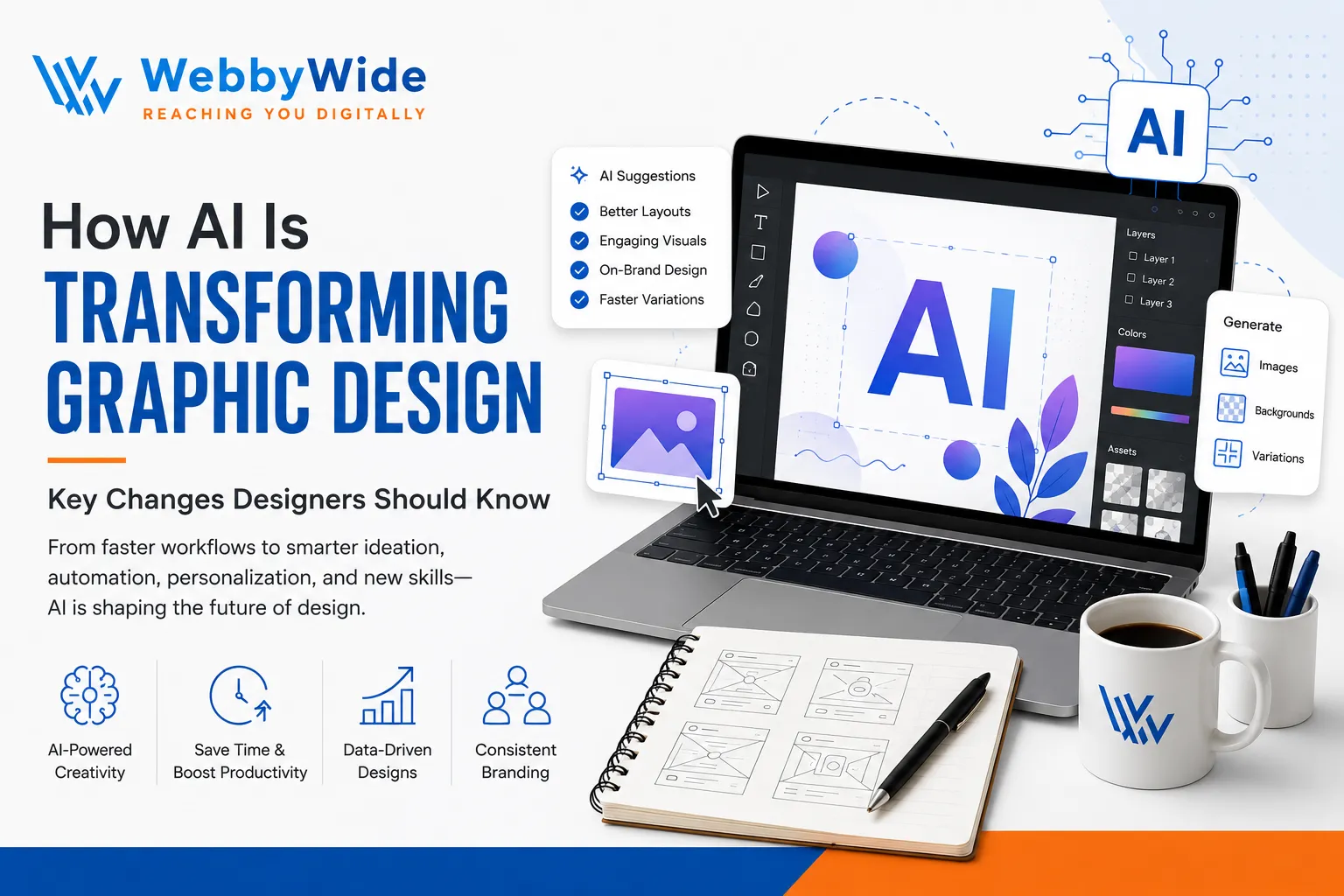
How AI Is Transforming Graphic Design: Key Changes Designers Should Know
Graphic Design used to begin with a blank canvas, a cup of coffee, and perhaps a slightly terrifying deadline. Today, designers can start with a sentence and generate a visual direction in seconds. Across the U.S., agencies, startups, e-commerce brands, creators, and in-house marketing teams now use AI to explore ideas, create variations, automate repetitive work, and move from concept to production faster.
That does not mean AI has suddenly become the creative director. It means the designer's role is changing. I see the biggest shift as a move from manually producing every asset to directing, refining, judging, and strategically shaping creative output. If you want to explore practical AI tools for graphic designers, the growing range of options shows just how quickly this workflow is evolving.
The smartest designers are not asking whether AI will magically replace creativity. They are asking how to use it without losing the human judgment that makes a brand memorable. Modern Graphic Design increasingly combines human taste with machine-assisted speed, giving designers more room to experiment and less reason to spend an afternoon removing backgrounds one image at a time.
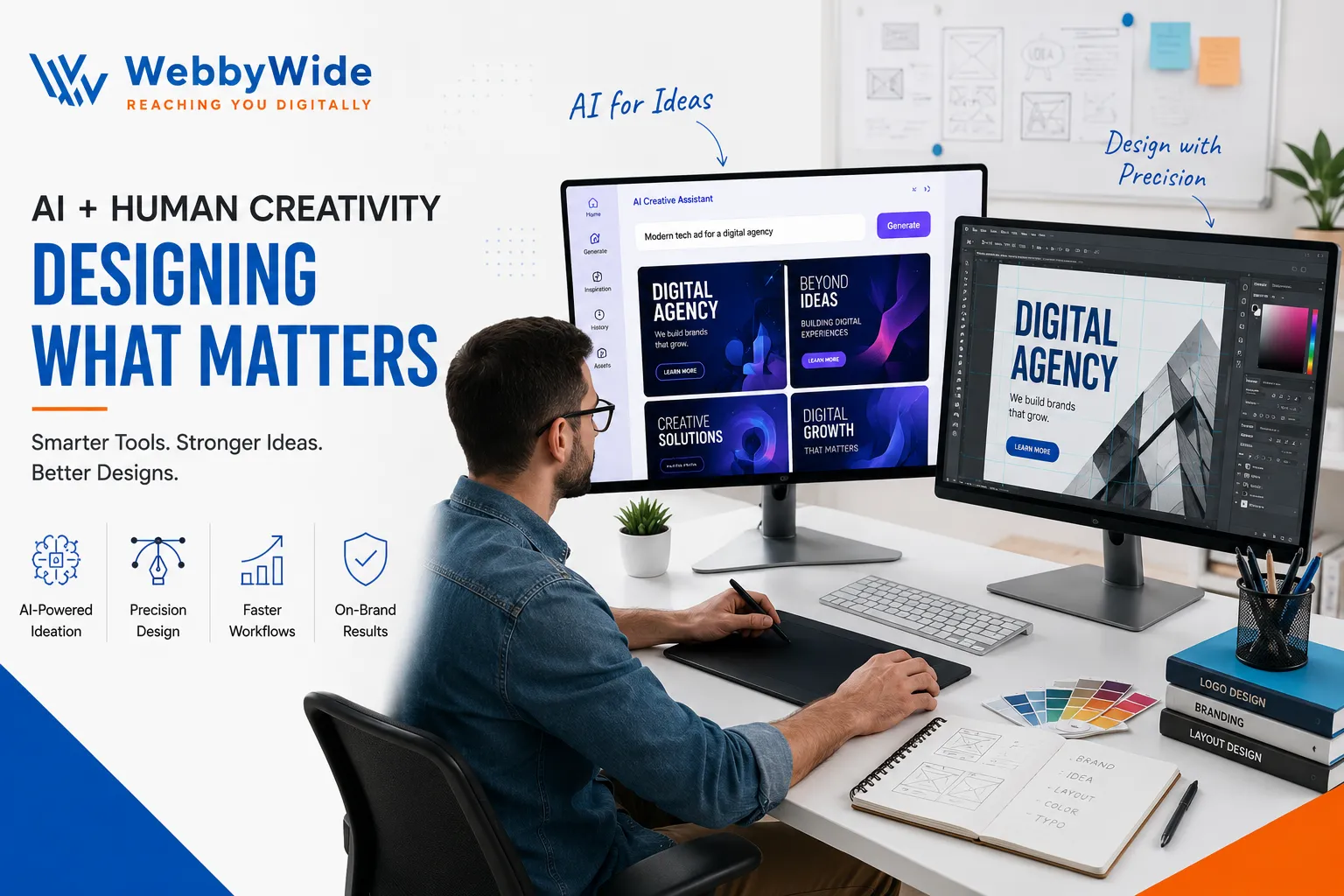
What AI Actually Changes in Graphic Design
AI affects Graphic Design at several stages, from brainstorming and image creation to editing, resizing, copy exploration, and production. Instead of treating AI as one giant magic button, think of it as a collection of assistants. One might generate concepts, another might clean up an image, while another helps adapt an existing visual for different formats.
This matters because professional design involves far more than making something look attractive. A designer must understand the audience, brand personality, hierarchy, spacing, typography, accessibility, platform requirements, and business goal. AI can accelerate parts of that process, but someone still needs to decide whether the final result actually makes sense.
Generative AI can also make experimentation dramatically cheaper. A designer can explore several art directions before committing to one. That changes the early creative conversation with clients because teams can discuss visual possibilities instead of trying to explain everything through abstract words and rough sketches.
1. Graphic Design Starts With Faster Ideation
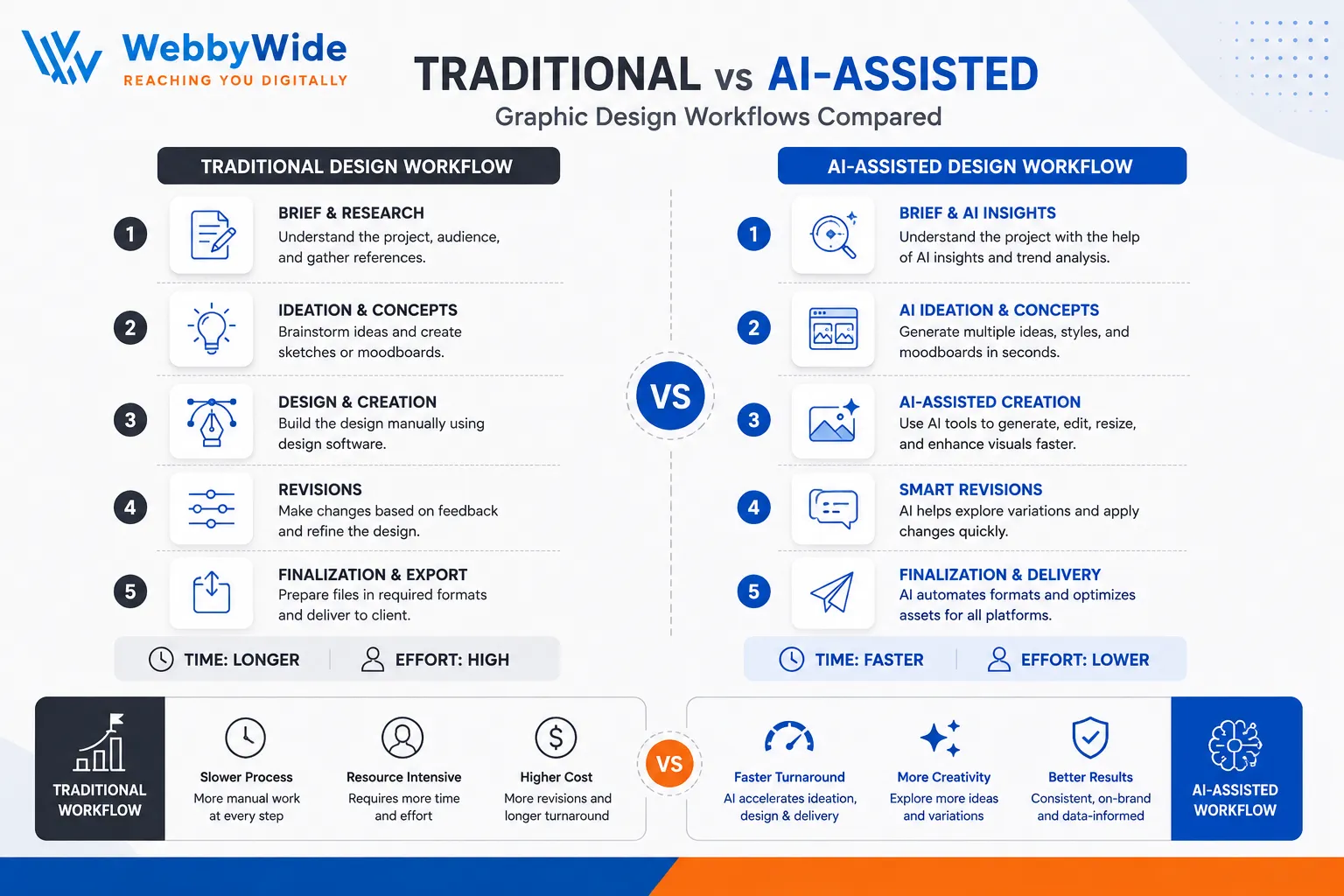
The first major change involves brainstorming. Traditionally, a designer might build moodboards, search stock libraries, sketch rough concepts, and create several visual references before showing a client anything substantial. AI can compress that early exploration into a much shorter process.
For example, imagine a U.S. coffee brand preparing a summer campaign. Instead of spending hours searching for the perfect visual reference, a designer can generate several possible moods: retro roadside Americana, minimalist Manhattan café culture, California surf aesthetic, or bold baseball-inspired typography. The designer then chooses the strongest direction and develops it properly.
That distinction matters. AI generates possibilities; designers create decisions. The tool can produce hundreds of doors, but it cannot reliably tell you which door leads somewhere worth going.
2. AI Makes Visual Production Much Faster
Production work often consumes more time than the glamorous creative part. Designers resize assets, remove backgrounds, create variations, adjust colours, retouch images, prepare social graphics, and organise multiple deliverables.
AI-assisted tools can reduce the repetitive workload. Current creative platforms can generate images from prompts, use reference images, refine compositions, and adapt visual concepts across different formats. Adobe, for example, describes AI-assisted workflows that help designers move from ideation into image generation and refinement more quickly.
For a busy design team, that efficiency can become a serious competitive advantage. Instead of spending 40 minutes on a task that software can reasonably accelerate, the designer can spend those 40 minutes improving the concept.
3. Designers Are Becoming Creative Directors
Perhaps the most interesting shift is not technical at all. AI pushes designers toward stronger creative direction.
When software can generate ten possible layouts, the valuable skill becomes knowing why one layout works better than the others. When AI produces several logo concepts, someone still needs to understand whether the mark fits the brand. When an image looks impressive but communicates the wrong message, a human needs to catch the problem.
That makes fundamentals even more important. Typography, composition, colour theory, visual hierarchy, storytelling, branding, and audience psychology do not suddenly become irrelevant because AI can generate pixels.
In fact, I would argue the opposite: AI makes weak fundamentals easier to expose. If everyone can generate attractive visuals, the designer who understands why a visual works gains an even bigger advantage.
4. Graphic Design Becomes More Iterative
Old-school design often followed a fairly linear path: brief, concept, design, revision, approval. AI introduces a much more experimental rhythm.
You can generate a direction, test it, change the mood, alter the composition, try another visual language, and compare multiple versions before selecting a final route. That encourages designers to explore rather than protect their first idea simply because they already invested time in it.
The result can improve creativity, but there is a catch. More options can also create decision fatigue. If a designer generates 100 possibilities without a clear creative brief, the project can become a digital version of standing in front of your closet with nothing to wear.
Strong direction still matters.
5. Personalisation Is Becoming Easier
AI also changes how brands approach personalised content. A campaign may need different creative treatments for different audiences, cities, products, or platforms.
Graphic Design teams can use AI-assisted production to explore variations while maintaining a broader visual system. A national U.S. retailer, for instance, might create different campaign assets for New York, Los Angeles, Chicago, and Miami while keeping the same core identity.
That creates opportunities for more relevant marketing. Instead of designing one generic visual and pushing it everywhere, brands can create variations that feel more connected to specific audiences.
However, personalisation should never become random decoration. Every variation still needs to reinforce the brand.
6. AI and Graphic Design Are Changing the Role of Software Skills
Designers once competed heavily on mastery of specific software features. Those skills still matter, but the skill stack is expanding.
Modern designers increasingly need to understand prompting, AI-assisted editing, image references, content generation, workflow automation, brand systems, and quality control alongside traditional design software.
That does not mean every designer needs to become a programmer. It means designers should become comfortable directing technology. The best workflow may involve AI for exploration, Photoshop for detailed editing, Illustrator for vector work, and human judgment throughout the process.
The tools change. The creative principles remain.
7. Graphic Design Still Needs Human Taste
This is where the hype around AI often gets a little too loud.
AI can create something technically polished while completely missing the emotional point. It can produce a dramatic poster that looks impressive but feels identical to thousands of other AI-generated images. It can create a trendy composition that says nothing about the actual brand.
Human taste provides context.
A designer understands cultural references, subtle humour, emotional tone, audience expectations, and the difference between something that looks fashionable and something that actually feels right. That distinction becomes particularly important in U.S. markets, where audiences can quickly recognise generic advertising.
For designers who want to understand the practical advantages and limitations of AI and graphic design, the key takeaway is simple: AI can amplify creative ability, but it does not eliminate creative responsibility.
8. Copyright, Brand Safety and Quality Control Matter More
Speed creates another responsibility: checking what AI produces.
Designers should consider licensing terms, commercial-use rights, brand requirements, client contracts, privacy issues, and the source of creative assets before publishing work. Different AI platforms use different models, training approaches, terms, and usage conditions, so designers should never assume that every generated asset carries identical rights.
Designers working with AI-generated content should also understand how human contribution affects copyright protection. The U.S. Copyright Office’s guidance on works containing AI-generated material explains how copyright considerations can depend on the extent of human authorship and creative control.
For professional projects, I recommend treating AI output as creative material that requires review rather than automatically approved final artwork.
Some platforms are actively developing commercially focused AI workflows. Adobe, for example, says its Firefly models use licensed and public-domain content for training and positions those models for professional creative workflows.
The important lesson is not “AI is safe” or “AI is dangerous.” The lesson is to understand the tool and its terms before putting an asset on a billboard, product package, website, or national campaign.
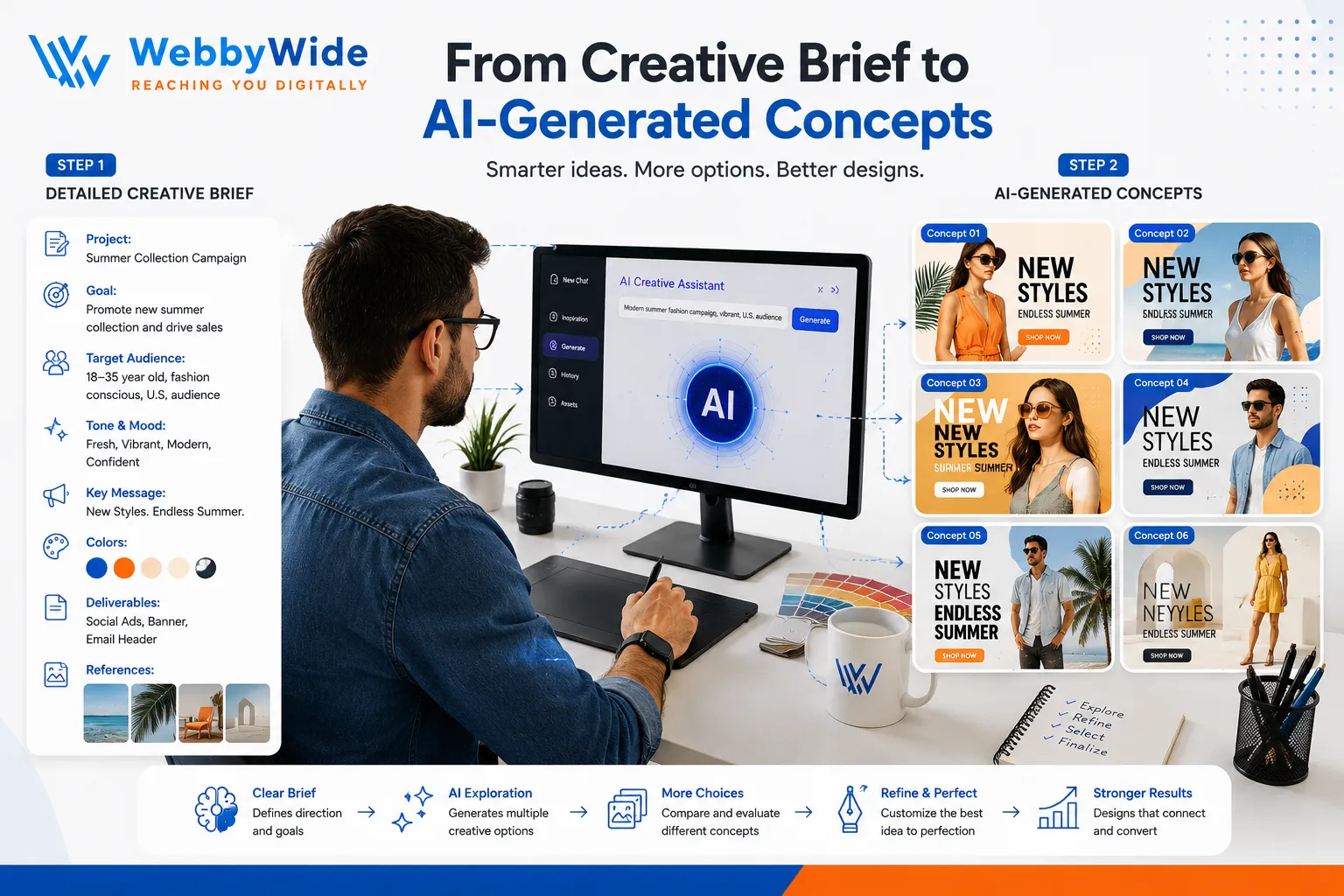
9. Graphic Design Teams Need Better Creative Briefs
Here is an unexpected consequence of AI: better prompts require better thinking.
A vague instruction such as “make a cool ad” gives an AI system too much room to guess. A useful creative direction explains the audience, subject, visual style, mood, composition, colour direction, format, purpose, and brand personality.
That makes the creative brief more important than ever.
Designers who can translate business objectives into clear visual instructions will get better results from AI. In other words, AI does not remove strategy from Graphic Design. It rewards designers who understand strategy.
10. Graphic Design Careers Are Evolving, Not Simply Disappearing
The biggest career question remains: will AI replace graphic designers?
I would not frame it that way. A more useful question is which design tasks AI will automate, which tasks it will accelerate, and which human skills will become more valuable.
Repetitive production work will likely continue to receive more automation. At the same time, creative direction, brand strategy, art direction, client communication, storytelling, conceptual thinking, and quality control remain deeply human responsibilities.
Designers who refuse every new technology may struggle to compete with faster workflows. Designers who blindly trust every AI result may produce generic work. The strongest position sits between those extremes.
Learn the technology. Keep your taste.
How Designers Can Adapt to AI
The best way to respond to AI is not to chase every new tool that appears on social media. Tools change quickly. Skills compound.
Focus on learning how to write better creative prompts, evaluate generated visuals, build repeatable workflows, protect brand consistency, edit AI output professionally, and explain creative decisions to clients.
It also helps to keep a traditional design foundation strong. Study typography. Analyse advertising. Build composition skills. Learn colour. Understand grids. Watch how great brands use repetition and contrast.
AI can help you get somewhere faster. It cannot tell you where you should go.
For businesses that need consistent branding across websites, campaigns, presentations, and digital channels, professional graphic design services can provide the human strategy and production oversight that AI tools alone cannot guarantee.
What the Future of Graphic Design Looks Like
The next stage of Graphic Design will probably feel less like humans versus machines and more like humans working with increasingly capable creative systems.
Designers may spend less time drawing every individual asset and more time building creative systems. They may manage AI-generated concepts, direct brand-specific visual models, create adaptable campaign systems, and spend more time reviewing creative quality.
That could actually make design careers more interesting.
Imagine spending less of your week on repetitive production and more of it solving challenging visual problems. That is the optimistic version of the AI future, and it is entirely possible if designers treat AI as leverage rather than a replacement for thinking.
Conclusion
AI is transforming Graphic Design by making ideation faster, production more flexible, experimentation easier, and personalisation more practical. But technology does not remove the need for designers. It changes what clients and creative teams expect from them. The strongest designers will combine AI speed with human judgement, strategic thinking, visual taste, and strong fundamentals.
The real opportunity sits in that combination. If you want to build stronger campaigns, explore smarter creative workflows, or develop a visual identity that actually feels like your brand, now is a good time to rethink how technology fits into your creative process. If you are ready to get in touch with our design team, start with the project, audience, and creative goal-and let the right tools support the idea rather than become the idea.
Frequently Asked Questions
AI will automate some repetitive design tasks, but it does not remove the need for creative strategy, visual judgement, brand thinking, storytelling, and client communication. Designers who learn to work effectively with AI can become faster and more versatile. AI speeds up ideation, image generation, editing, variation creation, resizing, and other production tasks. Designers can explore more creative directions in less time while keeping human control over the final concept and quality. Sometimes, but not automatically. Professional work requires human review for composition, typography, brand consistency, accuracy, licensing considerations, and overall communication. AI output often needs refinement before publication. Designers should strengthen creative direction, prompting, visual evaluation, branding, storytelling, AI-assisted workflows, and traditional design fundamentals. Strong judgement will become increasingly valuable as AI makes visual production faster. Businesses should establish clear brand guidelines and use AI within those boundaries. Designers should review generated content, maintain consistent typography and colour systems, and ensure every asset supports the same brand message.How AI Is Transforming Graphic Design

Comments
Add Comments
Update Comment